Taking a photo with the camera tool


Taking a photo with the camera tool |
|
| Release 8 |
|
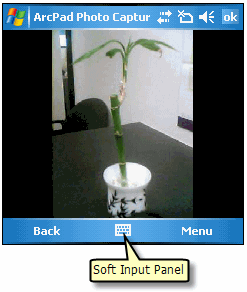
On some Windows Mobile devices, you can also press the assigned hardware buttons to take the photo.
The mobile device in this particular example has two options. The Menu and Back button.
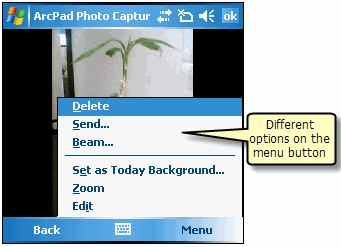
For example, the camera tool shown for this task is for the Windows Mobile camera integrated in some models of HP iPAQ Windows Mobile devices. The greyed out tools indicate that this particular camera does not support these tools or options.
For photos associated with a feature, the photo filename will use the selected field name in the Picture page of the Feature Properties dialog box. The photo filename will also include a unique number, or if specified in the ArcPad Options, the date and time at which the photo was taken.