Stopping or clearing automatic map rotation
Release 8
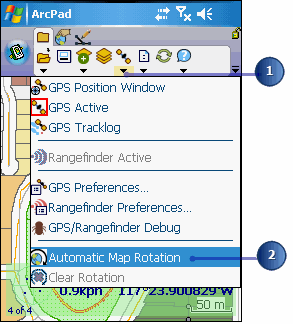
Tap the arrow below the GPS Position Window button to display the dropdown list.
Tap Automatic Map Rotation to disable the tool.
To clear the map rotation and set it back to its original northern orientation, tap Clear Rotation