Capturing GPS data


Capturing GPS data |
|
| Release 8 |
|
There is a road that has recently been constructed. It is up to you to capture the new road using a GPS receiver. With your GPS activated, you will walk the length of the new road segment and capture vertices for the length of the new road. This task is being done in Elmore, Australia but you can easily perform the same steps for a street or road in your local area. If you happen to be in Elmore than you can perform the exercise as is!
Refer to section, ‘Connecting your GPS receiver’, for information on activating your receiver.
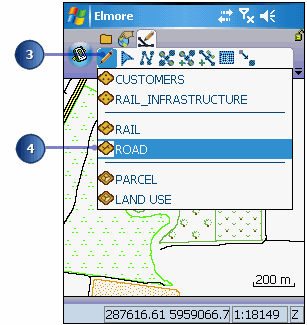
The Command bar is automatically displayed.
The Add GPS Vertex and Add GPS Vertices Continuously buttons are enabled.
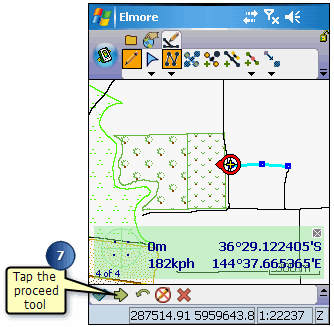
The feature dialog box opens so that you can immediately enter information about the new road.
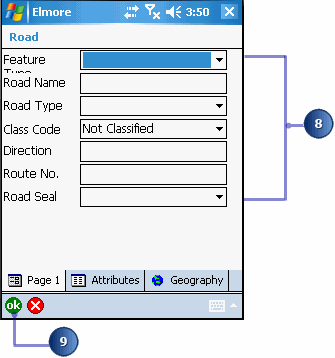
Your new road has been added and you are ready to move on to the next task.