Using the Radial Measure tool


Using the Radial Measure tool |
|
| Release 8 |
|
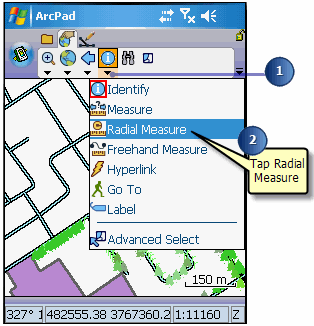
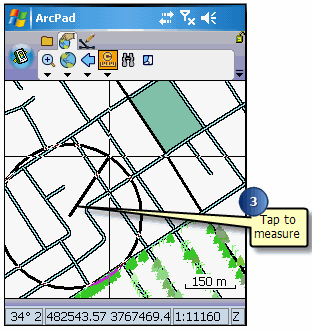
The Radial Measure tool is activated, and the Radial Measure button is depressed and promoted onto the toolbar. A red box around the Radial Measure tool also indicates that it is active. u
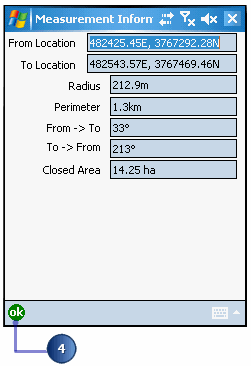
ArcPad displays the Measurement Information dialog box with the following data: the coordinates (from and to location), the radius, the perimeter, the bearings, and the area.