WMC Client


WMC Client |
|
| Release 9.3.1 |
|
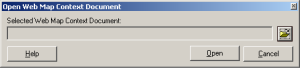
The WMC Client allows for a Web Map Context (WMC) file to be opened directly in ArcMap. WMC files adhere to the Open Geospatial Consortium (OGC) specification and have the extension ".cml", "wmc", or "xml". WMC files provide pointers to remote accessible data, specifically Live Data and Map resources.
Please note that OGC Web Feature Services (WFS) are only available in ArcMap when the ESRI Data Interoperability extension is installed and enabled. For example, if there are WFS layers in the saved WMC document, the display of these layers will be dependent on the Data Interoperability extension.
The following are steps to Download the WMC Client and Add it to the toolbar in ArcMap.
WMC files can be created through the Java ADF sample map viewer, or with other web mapping applications. The example here refers to the Java ADF sample viewer.
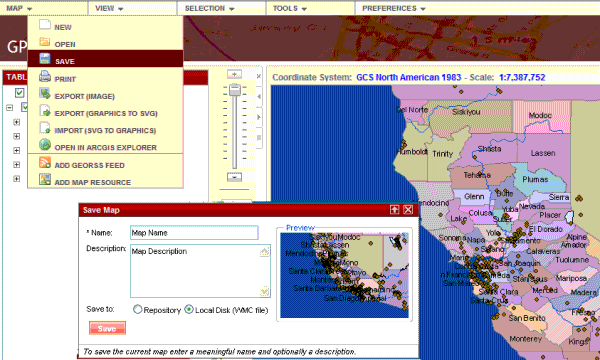
In the Map Viewer, add the map services that are desired in the map. Then click the "Map" menu button, and select "Save". Select the "Local Disk (WMC file)" radio button from the Save Map popup, as shown below.
To use the WMC Client: